For AI
How bidding works for guests
What your bidders see, from registering to winning and paying
Knowing what bidders go through helps you answer questions at the event. Everything happens in the browser on their phone. There’s no app to download.
Finding the auction
Section titled “Finding the auction”Guests reach your auction by:
- Scanning the QR code on a lot’s bid sheet, which opens that item
- Scanning the auction QR code on your signs or the display board
- Opening the auction link you shared
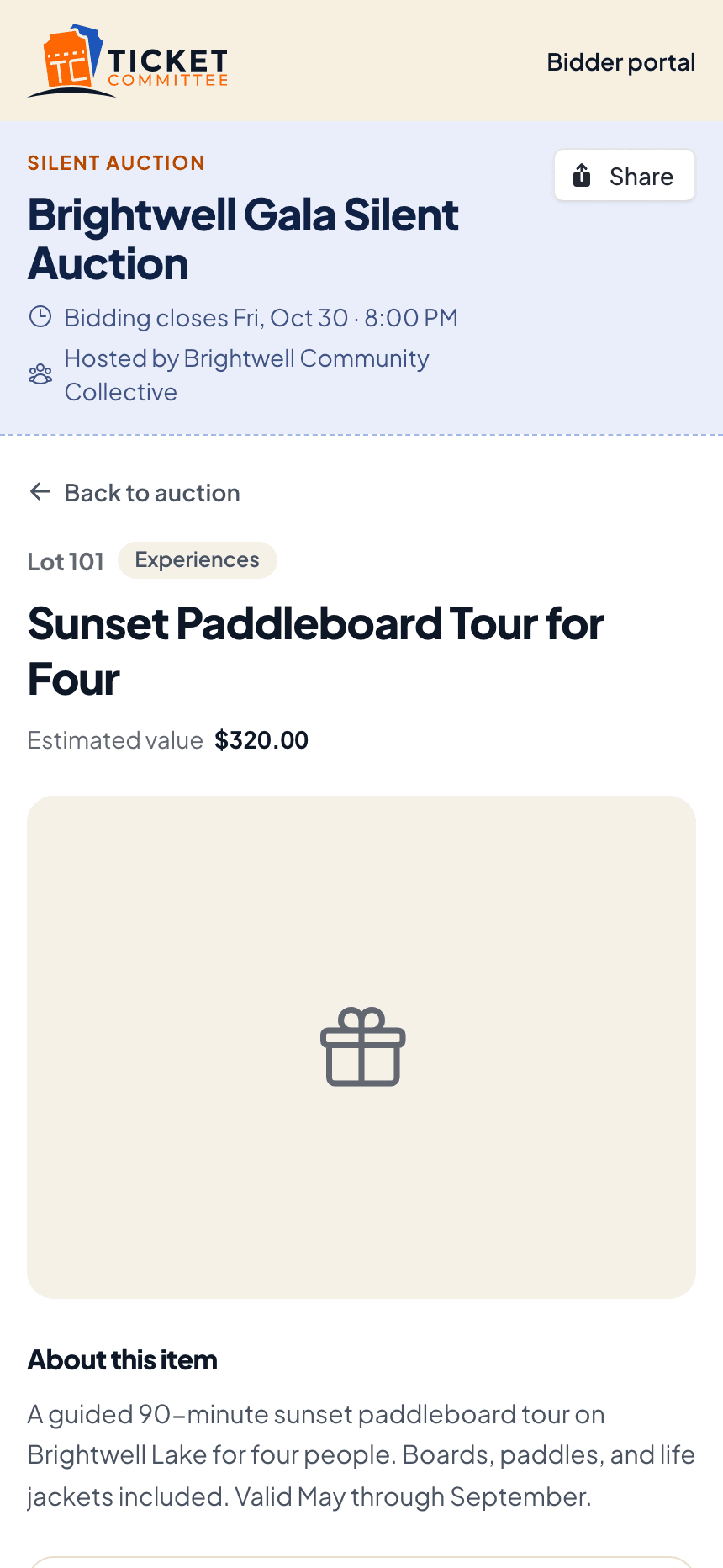
The auction page lists every item with its photo, current bid, and time left. Guests can filter by category and browse without registering.
Registering to bid
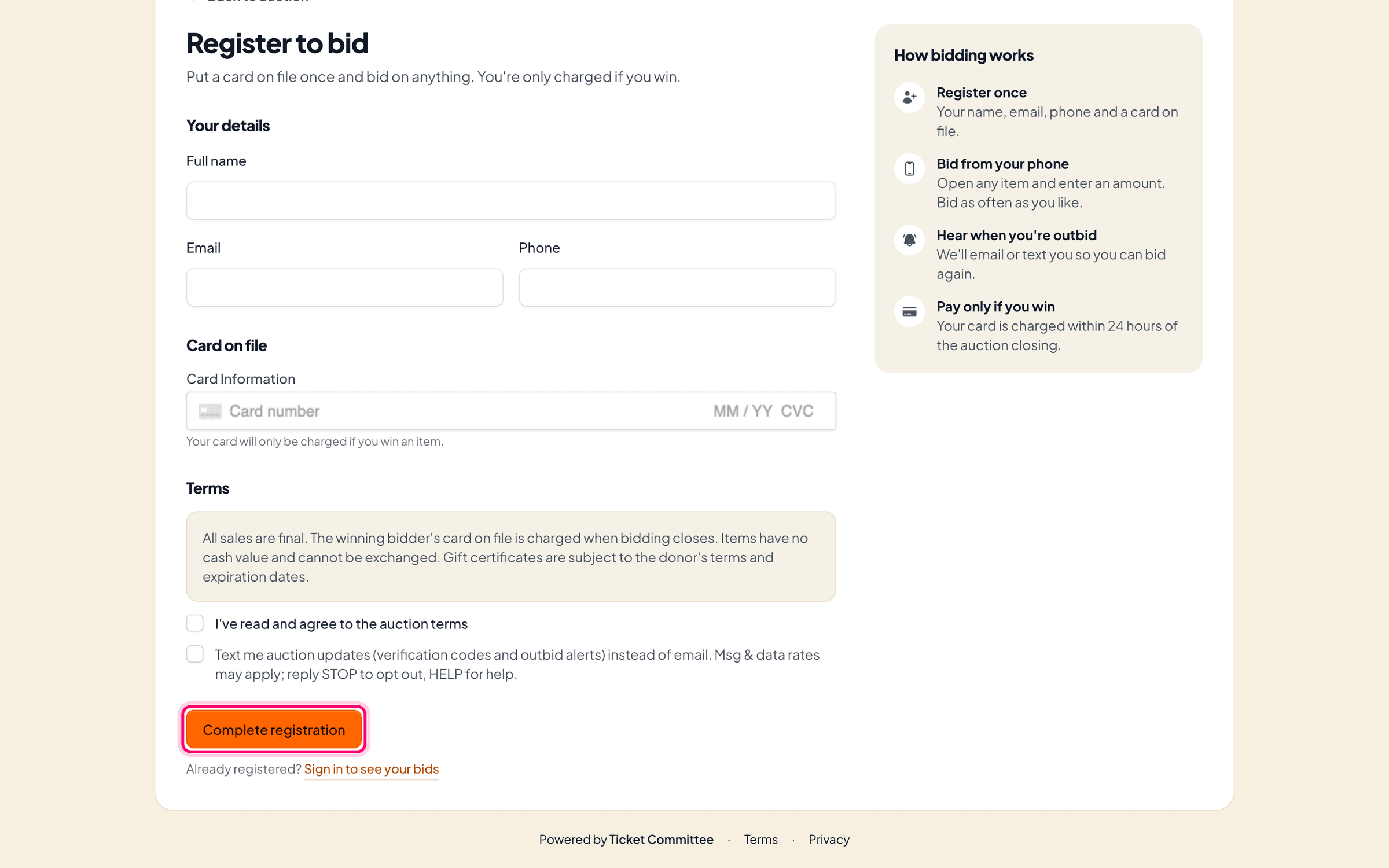
Section titled “Registering to bid”Guests register once, then can bid on anything. They can register from the auction’s Register to bid page, or right on an item page while placing their first bid.
They enter:
- Full name, Email, and Phone
- A Card on file. It’s saved securely with Stripe. They’re only charged if they win.
- Agreement to your auction terms
- Optionally, a checkbox to get auction updates (verification codes and outbid alerts) by text instead of email
After registering, they get a “You’re Registered” confirmation email.
Each email and each phone number can only register once per auction. If someone tries to register again with the same email, they’re sent to sign in instead.
Bidders show up publicly under a random nickname (like “PlumOwl547”), not their real name. You see their real details on your Participants page.
Placing a bid
Section titled “Placing a bid”- Open an item.
- Enter an amount in Your bid. The minimum is shown under the box. It’s the opening bid for the first bid, then the current bid plus the item’s minimum raise.
- Tap Place bid.
- Review and tap Confirm bid.
If fees are passed to bidders, the confirmation shows the bid, the Processing fees, and the Total if you win. If a bid is far above the minimum, the confirmation points that out to help catch typos.
Bids are final once confirmed. Each bid simply becomes the new high bid. There’s no automatic or maximum bidding, and no buy-it-now option.
If the auction hasn’t opened yet, the item shows Bidding opens soon. Guests can still register so they’re ready.
Outbid alerts and reminders
Section titled “Outbid alerts and reminders”Bidders get messages by email, or by text if they opted in:
- Outbid: when someone beats their bid. Alerts are sent within about two minutes, and faster as closing gets near.
- Bidding is open: if they registered before bidding started.
- Closing soon: about an hour before close, if they’re not winning something they bid on.
- Item withdrawn: if you pull an item they bid on.
My bids
Section titled “My bids”Bidders can check their bids any time from My bids. If they’re on a new device, they enter their email and tap Send me a code, then enter the Verification code they receive.
My bids shows each item they’ve bid on and whether they’re winning or outbid. It also lets them change their Card on file and switch between text and email updates.
Winning and paying
Section titled “Winning and paying”When bidding closes:
- Winners get a “You Won” email with your won message.
- Their card on file is charged automatically, at the time you set in Settings → Fulfillment.
- They get a payment receipt email with your pickup instructions.
If a winner’s bank asks them to confirm the payment (common with some cards), they get an “Action Required” email with a link to finish it.