
For AI
Track visitors with Google Analytics
Connect your Google Analytics property to your event's public pages
If you use Google Analytics, you can track visitor activity on your event’s public pages, like how many people view the page and where they come from.
Add your Google Analytics ID
Section titled “Add your Google Analytics ID”- In Google Analytics, copy your measurement ID. It starts with
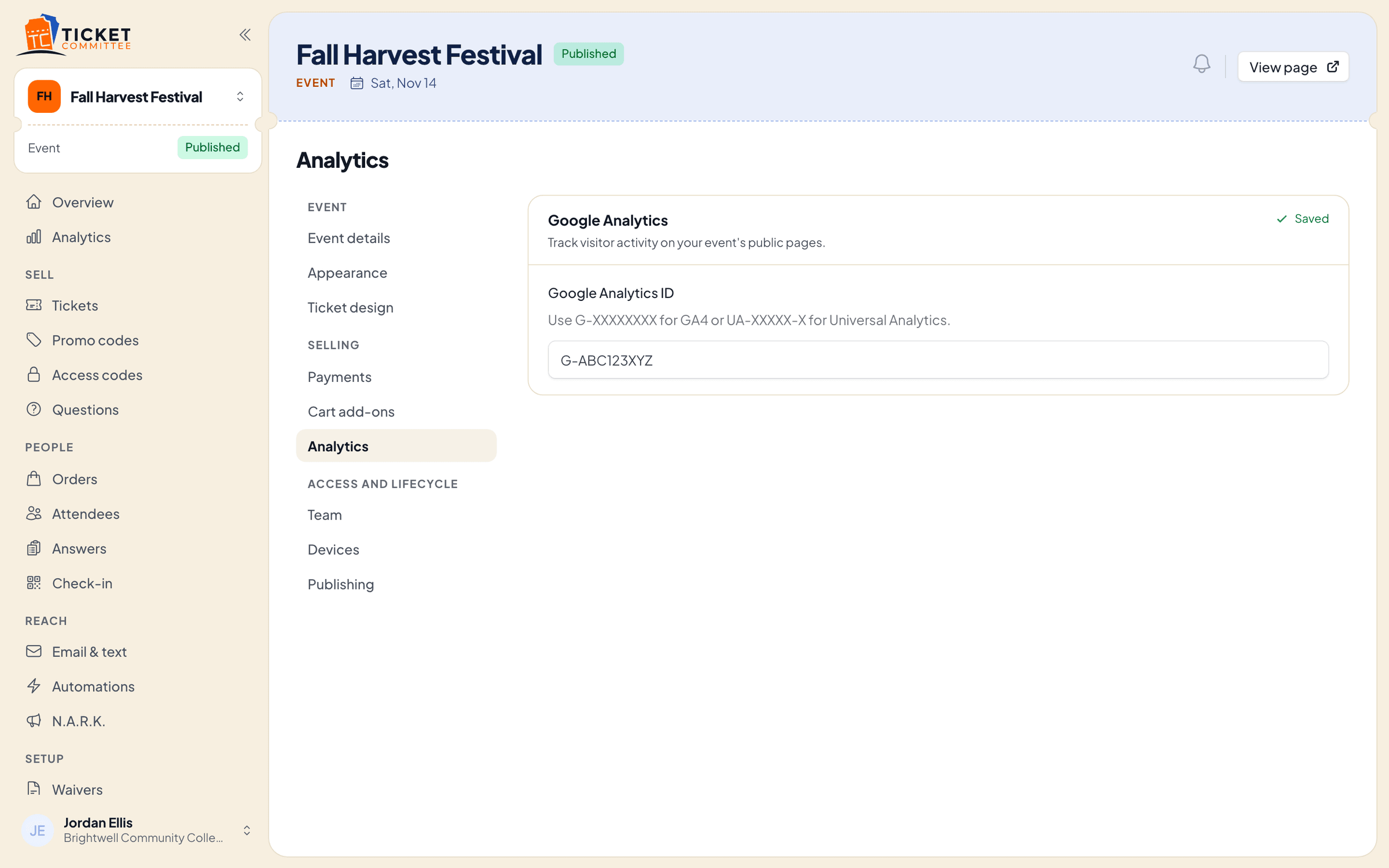
G-for GA4 orUA-for older Universal Analytics properties. - In your event, go to Settings → Analytics (under Selling).
- Paste it into Google Analytics ID.
It saves automatically. If the ID isn’t in the right format, you’ll see “Please provide a valid Google Analytics ID”.
To stop tracking, clear the field.