
For AI
Per-order limits
Set the most (and fewest) tickets one buyer can get in a single order
Per-order limits stop one buyer from grabbing too many of a limited ticket, or make sure a ticket is bought in a set amount, like a table of at least two.
Set a limit
Section titled “Set a limit”- Go to Tickets and open the ticket type.
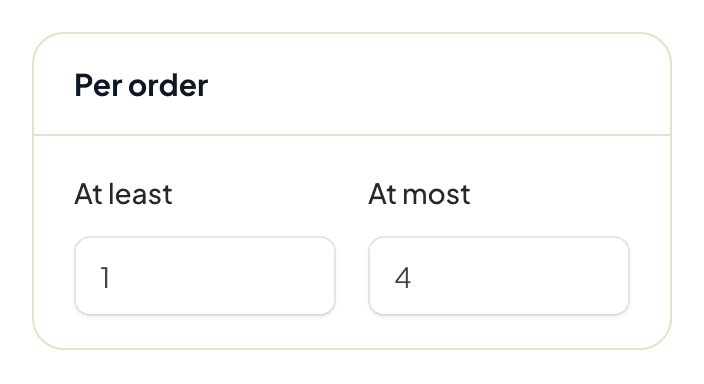
- Under Per order (right side of screen), set:
- At least: the fewest of this ticket a buyer should get in one order. Defaults to
1. - At most: the most of this ticket a buyer can add to one order. Leave blank for no limit.
- At most has to be the same as or greater than At least.
- Click Save changes.
What buyers see
Section titled “What buyers see”When a buyer reaches the At most limit, they can’t add any more of that ticket, and the ticket shows Max tickets allowed. If they try to go over it, they’ll see the message, “Quantity must be 4 or less.”
Limits apply to each ticket type separately. If Adult has At most set to 4 and Child has no limit, a buyer can still get four adults and any number of children in one order.
Other limits that can apply
Section titled “Other limits that can apply”A buyer’s maximum may be lower than your At most setting when:
- Fewer tickets are left than your limit. Buyers can’t add more than what’s available.
- The event uses access codes with a Tickets per purchase limit. That limit covers the whole order, across all ticket types. See Access codes.
- The ticket needs another ticket with a ratio, like one parking pass per general admission ticket. See Require another ticket.
Related
Section titled “Related”- Add ticket types
- Promo codes: promo codes have their own Max Tickets Per Order setting for how many tickets the discount covers